Walkthrough
How to Claim Sims 4 Free Maker Packs (PC, Mac, Console)
How to claim a free Maker Drop in The Sims 4 Marketplace on PC, Mac and console, plus the fixes when a 0 Moola pack will not show or download.
Checked 28 November 2026
Claiming on PC or Mac
Start The Sims 4 and open the Marketplace. You can reach it from the Main Menu, and also mid-game from Live Mode, Build Mode or Create a Sim, which is handy when you notice the drop while building something.
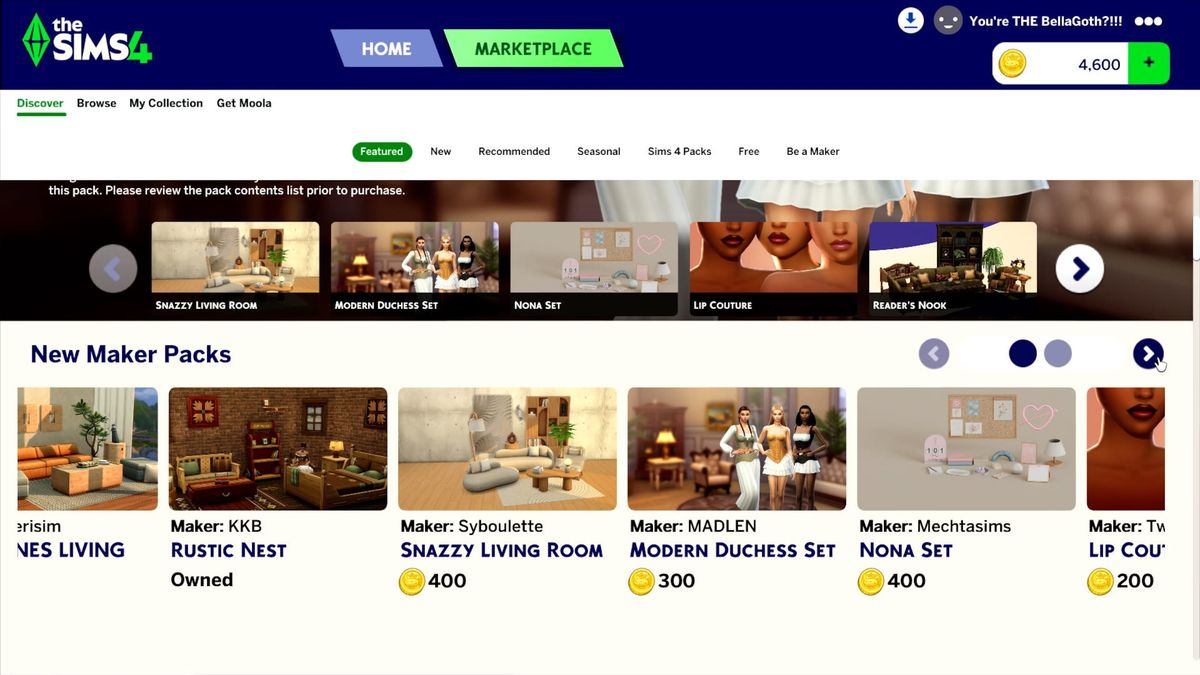
On the Discover page there is a Free section that collects every listing currently at 0 Moola. If you prefer the Browse page, sort by Free there instead.
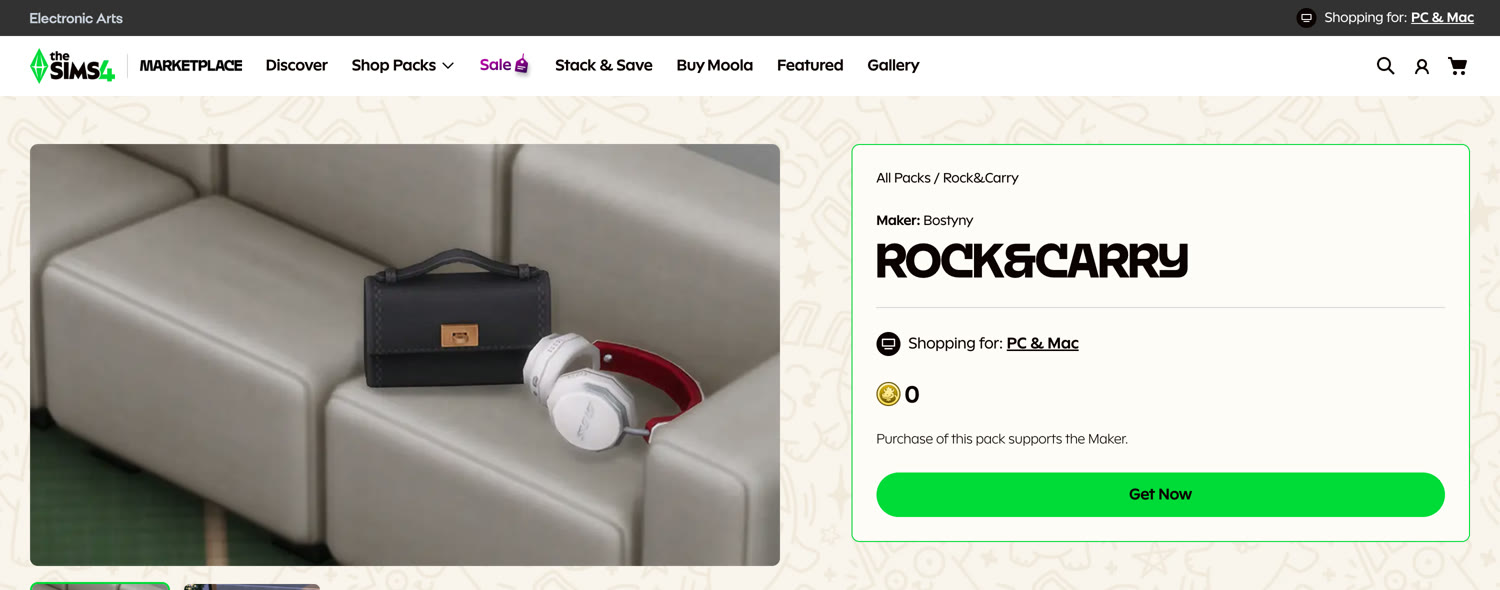
Open the pack and check its price before confirming. For the current Rock & Carry drop, EA's official listing shows 0 Moola. The in-game button can still read Buy with Moola; that label alone does not mean a charge. Press it only when the price is 0 Moola, then confirm with Buy.
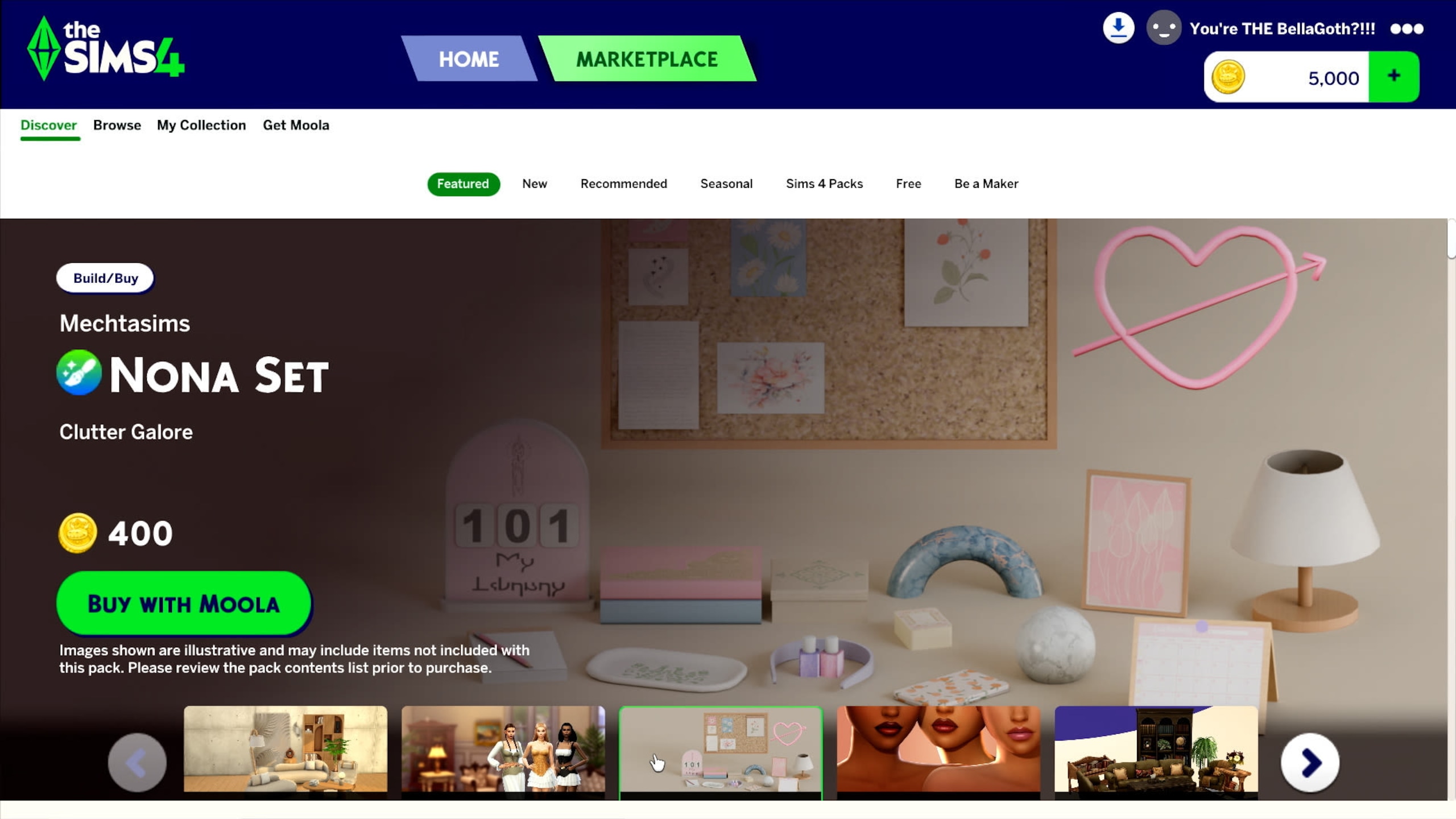
If the game does not add the pack to your catalogue straight away, that is normal. Moola content in the Marketplace is downloaded on demand, and the place to do it is My Collection. Open the Marketplace, go to the My Collection tab, choose Manage Storage, find the pack and check the label in its bottom-left corner: a green Installed label means it is ready, a grey Not Installed label means it is not. Tick the box on the Not Installed pack, press Install and confirm. Then return to the Main Menu and load your household.
Claiming on PlayStation and Xbox
Console players went from having no route to custom content to having an official one when the Marketplace arrived in April 2026. The claim flow is identical: open the Marketplace from the Main Menu, find the Free section, open the 0 Moola pack and confirm.
Two platform habits cause most of the failed claims. Leaving the game suspended in rest mode keeps an old store cache, so a pack released an hour ago can be invisible until you fully close the title and relaunch. And console players sometimes open the store on a different profile from the one that owns their packs, so the claim lands in an account they are not using. If the pack is claimed but missing from your game, it is usually sitting uninstalled in My Collection.
There is no code involved anywhere in this. A code would be useless here anyway, because the pack is attached to the account that confirms the free order.
Claiming without launching the game
On PC or Mac, you can browse and claim Maker Packs on the web Marketplace or in the EA app with the EA account you use for The Sims 4. You may still need to launch the game later to download the pack from My Collection.
On PlayStation or Xbox, the web Marketplace is for browsing: EA says purchases and downloads must happen in the in-game Marketplace. Open the game on the console, choose Marketplace, then use Discover → Free or Browse sorted by Free.
Moola balances do not transfer between platform families. For example, Moola bought in the EA app cannot be spent on PlayStation or Xbox. A free listing at 0 Moola needs no balance, so confirm the displayed price is zero before you place the order. See EA's Moola guide for platform rules.
Free Maker Packs not showing up: five things that stop a claim
| What you see | Likely reason | What to do |
|---|---|---|
| The scheduled pack is missing before or around release time | The drop may not be live in your store yet, or the listing has not refreshed | Check the date and 1:00 PM EST release time; refresh Discover → Free. On console, fully quit and relaunch The Sims 4 rather than resuming it from rest mode. |
| You see Buy with Moola and worry it will charge you | The Marketplace uses that button for free and paid listings | Read the price before confirming. A free pack must show 0 Moola; if it shows 400 Moola, back out because that listing is paid. |
| A pack you want is no longer in Free | You may already have claimed it; Free is the browse filter, not your owned-items list | Check My Collection. If it is owned but unavailable in game, open Manage Storage and install it. |
| Your Moola balance is missing on another device or console | Moola does not transfer between platform families or EA accounts | Make sure you are using the platform and EA account that hold the balance. This does not block a free pack whose listing is 0 Moola. |
| The order does not complete or the pack still will not load | The store session, account sign-in, or cached game state may be stale | Confirm the EA account, fully quit the game and restart your PC, Mac, or console. Sign out and back in if needed. If the problem remains, follow EA's missing Marketplace content steps. |
After the claim
The pack stays in your account permanently. What expires is the giveaway window, not the content: once claimed, the handbag and speaker from Rock & Carry work in every save, and every later pack behaves the same way.
If you are collecting the whole run, claim each pack in the first week it appears rather than at the end. EA has only confirmed a 41-day window for the first pack, and the rest of the schedule in this calendar is an estimate built on that number. The Sims 4 free Maker Drop calendar shows which pack is live right now and how many days are left.
Keeping track of the next one
The drops come twice a week at 1:00 PM EST, with a pause over Christmas. The Sims 4 free Maker Drop calendar counts down to the next one in your local time, and each row shows the date a pack stops being free. If you only want the price question answered, which Maker Packs are free vs paid sets out what is confirmed free and what is a 400 Moola pack that happens to share a release day.
Questions
Where exactly is the Free section in the Marketplace?
On PC or Mac, use Discover → Free in the game, Browse sorted by Free, the web Marketplace, or the EA app. On PlayStation or Xbox, claim in the in-game Marketplace; EA says the web Marketplace on console is for browsing, not buying or downloading. In every case, check that the listing itself reads 0 Moola.
Do I need Moola in my wallet to claim a free pack?
Nothing. The order is 0 Moola, so an empty wallet does not block it. Moola only matters for the paid Maker Packs, and 400 Moola is not sold as its own bundle: the closest is 500 Moola for $4.99. Moola is not refundable and cannot be earned in game, so a free drop is the only way to add Marketplace content without paying.
Does the claim work on console?
Yes. The Marketplace opened on consoles in April 2026 and the claim flow is the same on PS4, PS5, Xbox One and Xbox Series X|S. It is an in-game claim rather than a redeem code, so there is no code to type on a website.
I claimed it but the items are not in Build/Buy. Why?
You are most likely signed in on a different EA account, or the store has cached the old listing. Check the account name in the game, quit the title completely, and relaunch after 1:00 PM EST. On console, quitting to the dashboard is not enough if the game was suspended in rest mode; close it fully first.
It says owned but nothing downloaded.
Go to the Marketplace, open the My Collection tab and choose Manage Storage. Moola content is downloaded on demand, so a claimed pack can sit there uninstalled; tick the grey Not Installed box and press Install. Then return to the Main Menu before you load a household.
Can I claim through this site or a third-party link?
No. Claims run through your own EA account and the official Marketplace. This site only lists the dates and the steps; it never asks for your login, and no pack is delivered from here.